DjVu reader for Mac, iPhone, and iPad
Read DjVu. Export PDF.
Open .djvu files, find and copy text, and export the pages you need as PDF. Text recognition and conversion run on your device.
Requires macOS 14 Sonoma or later. Also on iPhone and iPad (iOS 26 or later).

- One-time purchase
- Works offline, no account
- Mac, iPhone, and iPad included
Read, search, and export on Mac
Use the sidebar to navigate pages, search the document, and choose which pages to export.
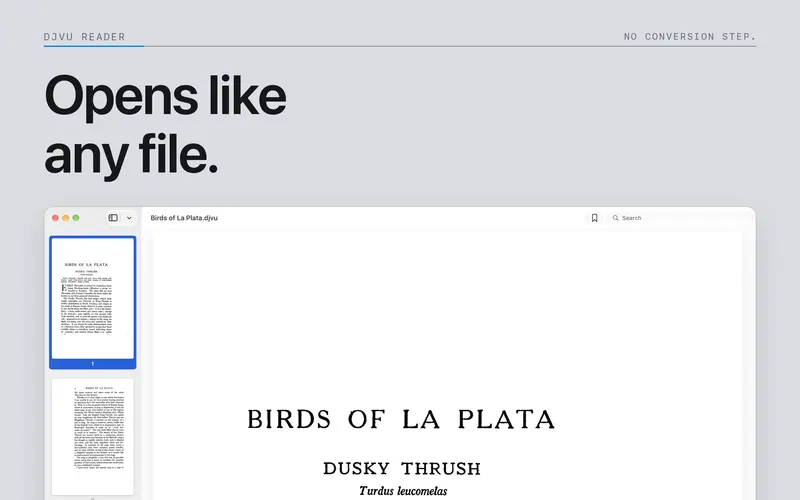
Page navigation and zoom controls in the Mac reader. 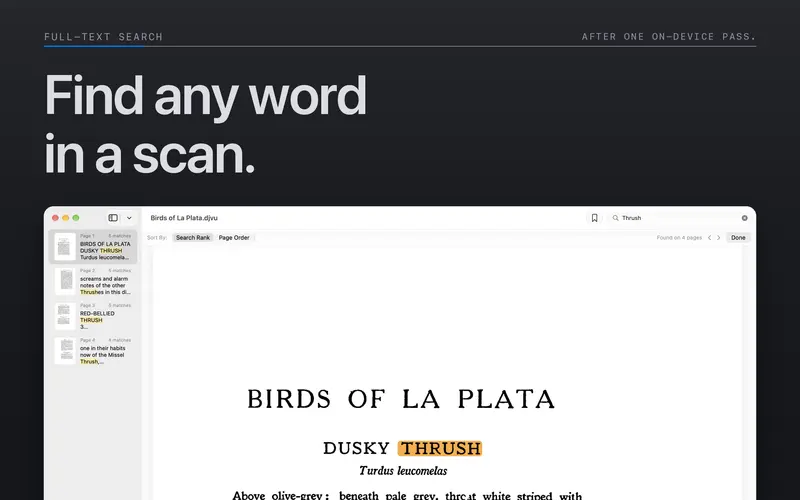
Document search with matching text highlighted on a page. 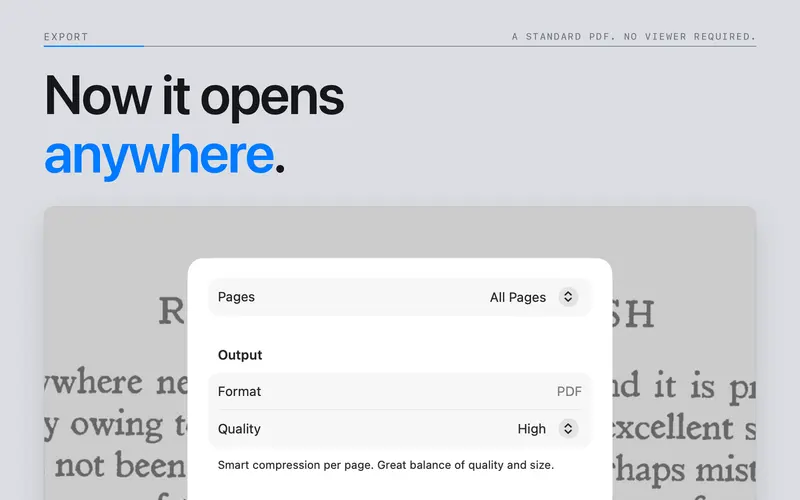
PDF export options for a DjVu document. 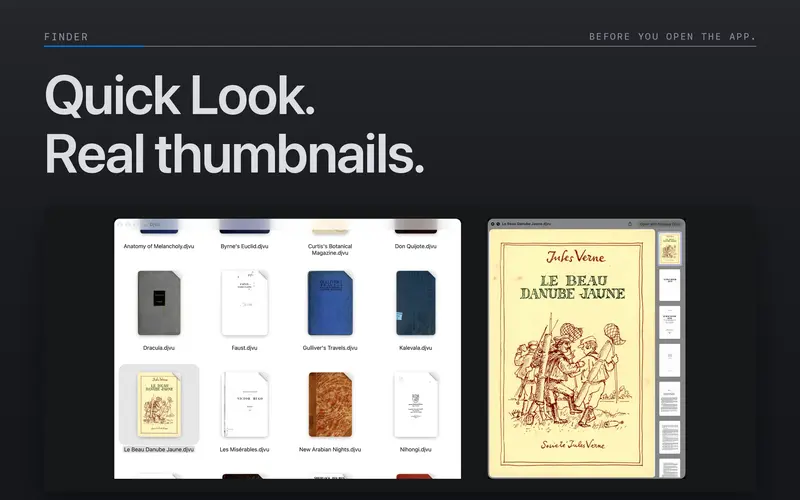
DjVu file previews and thumbnails in Finder.
What it does
Open DjVu files
Read documents directly from their location. Use page thumbnails, zoom, and page navigation to move through scanned books.
Contents and bookmarks
Open a chapter from the document's outline, when available. Add bookmarks to return to pages you need.
Search and copy text
Search an existing text layer or run text recognition on scanned pages. Select text to copy it into another app.
Convert DjVu to PDF
Export all pages, the current page, or a page range. Enable OCR to create a searchable PDF.
Process files on your device
The app processes documents locally. It has no account, analytics, or document upload service.
Open DjVu on iPhone and iPad
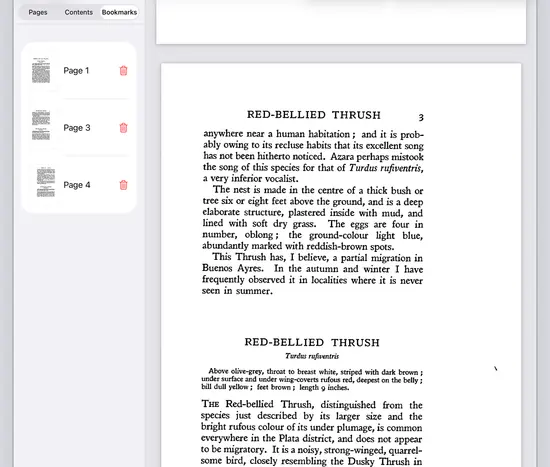
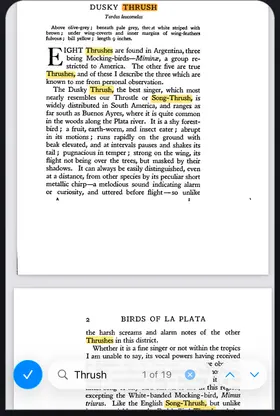
Open documents from Files, read scanned pages, and export PDFs.
Zoom and navigate
Pinch to zoom. Double-tap to change the zoom level. Use page thumbnails to jump to another page.
Export and share
Export the document or selected pages to PDF. Save the result to Files, then share or print it.

One purchase covers Mac, iPhone, and iPad. Requires iOS or iPadOS 26.
DjVu export and rendering benchmarks
Selected measurements against DjVuLibre 3.5.30 on a 12-core M3 Pro.
- 5.3×
- faster PDF export
- 9.29 s vs 49.13 s
- 8.9×
- less peak memory
- 117 MiB vs 1,043 MiB
- 12.9×
- smaller PDF
- 70.85 MiB vs 913.24 MiB
- 2.3×
- faster first page
- 20.1 ms vs 46.6 ms
Benchmark data
Public test documents
- The Holy Bible (Julia Smith, 1876)faster PDF export
- Little Red Riding Hood (1843)faster first page
How Niraqua scales the 1,190-page export
1 forced worker
Time 49.62 sPeak memory 84 MiB
4 forced workers
Time 13.04 sPeak memory 97 MiB
6 P-core workersrelease default
Time 9.97 sPeak memory 111 MiB
Niraqua-only scaling test with the shipping High preset. Worker overrides are internal test controls; the released app chooses automatically from performance cores, available memory, and document size.
Selected results versus DjVuLibre 3.5.30 on a 12-core M3 Pro. PDF test used identical page geometry and JPEG quality 75; codecs and compositing differ. Niraqua's release policy selected six performance-core workers within a 512 MiB export budget. Medians of three warmed runs. OCR was not included: it runs separately through Apple's on-device Vision framework, and its speed depends on the Mac and available hardware acceleration.
Benchmark data © 2026 Niraqua · CC BY 4.0
Common questions
- What is a DjVu file?
- DjVu is a document format used for scanned books, journals, and manuals. A file contains page images and may also include searchable text and a table of contents.
- Can I convert DjVu to PDF?
- Yes. Export all pages, the current page, or a page range. Enable OCR in the export options to add searchable text.
- Can I search and copy scanned text?
- Yes. Search works with embedded text. For image-only pages, run on-device text recognition first. Recognition accuracy depends on the scan and selected language.
- Does the app upload my documents?
- No. The app reads, recognizes, and converts documents on your device. It has no account or analytics. Cloud storage and sharing follow the services you choose.
- What are the system requirements?
- macOS 14 Sonoma or later, iOS 26 or later, or iPadOS 26 or later.
- Is this a subscription?
- No. Niraqua DjVu is a one-time App Store purchase that includes Mac, iPhone, and iPad. The App Store shows the current price for your region.
Guides
- What is a DjVu file?Learn what a DjVu file contains, how scanned page images differ from searchable text, and how to open or convert the document.
- Convert DjVu to PDF on Mac, iPhone, or iPadExport a DjVu document or selected pages to PDF. Choose a quality preset, enable OCR for searchable text, and check the exported file.
- Open a DjVu file on MacOpen DjVu documents on macOS, choose a reader in Finder, search scanned text, and preview files with Quick Look.
- Open DjVu files on iPad and iPhoneRead DjVu files from Files on iPhone and iPad. Search text, add bookmarks, export PDFs, and check device requirements.
- DjVu vs PDF for scanned documentsCompare DjVu and PDF for file size, searchable text, compatibility, and sharing. Decide when to keep the DjVu source or export a PDF.
- Search DjVu files and recognize scanned textFix missing DjVu search results, run on-device OCR, copy text from scans, and export a searchable PDF on Mac, iPhone, and iPad.
- Use DjVu documents with ZoteroConvert a DjVu scan to searchable PDF, attach it to the correct Zotero item, and check text selection, annotations, and citation details.
- Open DjVu files on iPhoneFind a DjVu download in Safari or Files, open it in Niraqua DjVu, search a scan, and share a PDF copy from your iPhone.
- DjVu Reader for Mac: Compare Native and Free AppsCompare DjVu readers for Mac. Explore Niraqua’s Finder previews, offline OCR and PDF export. Buy once for Mac, iPhone and iPad, with Family Sharing.
Get Niraqua DjVu
One purchase includes Mac, iPhone, and iPad. No subscription. Check the App Store for the price in your region.